Monday, February 22, 2021
Wednesday, February 17, 2021
Update February 17th _COMPUTER_ART
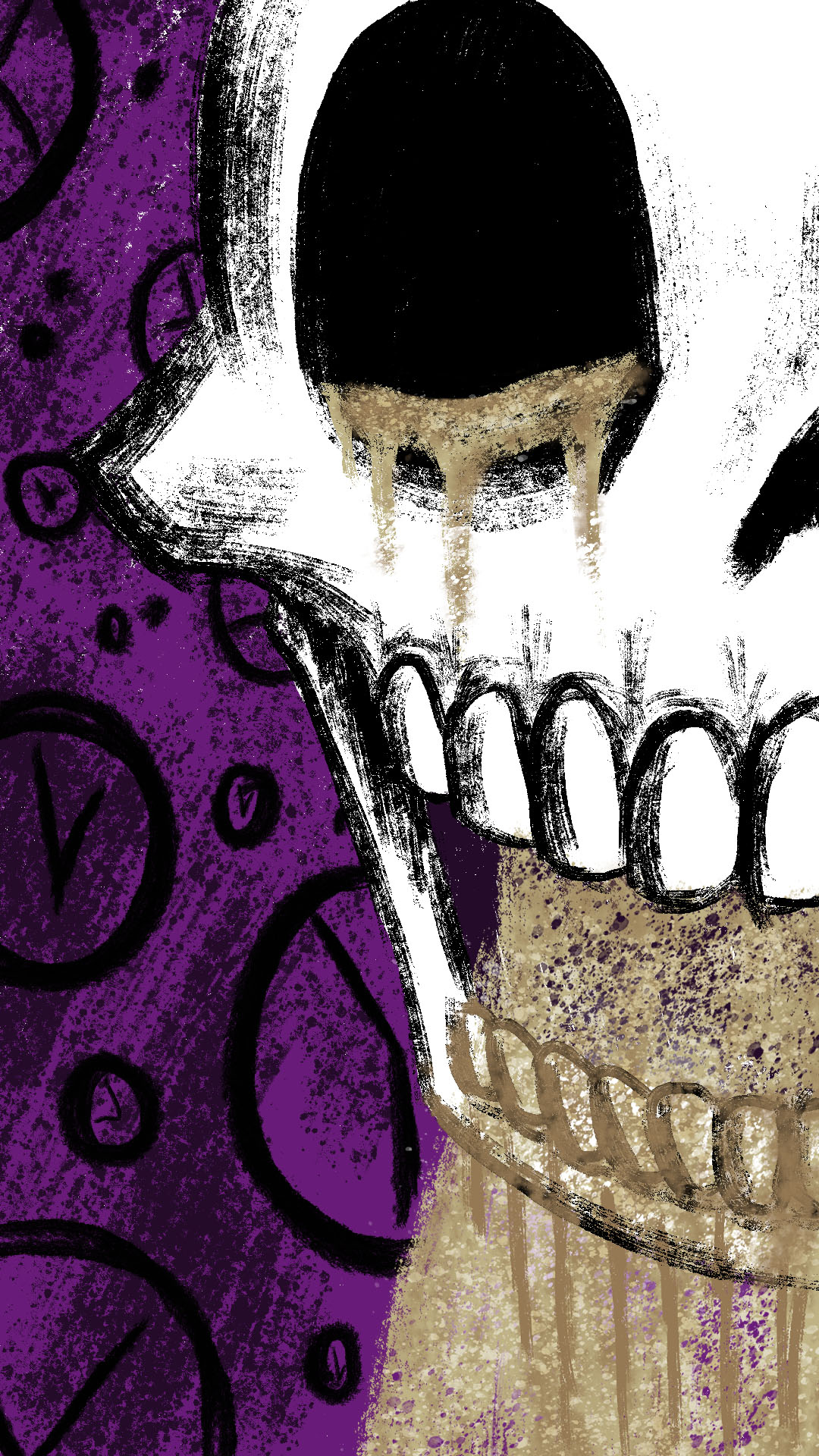
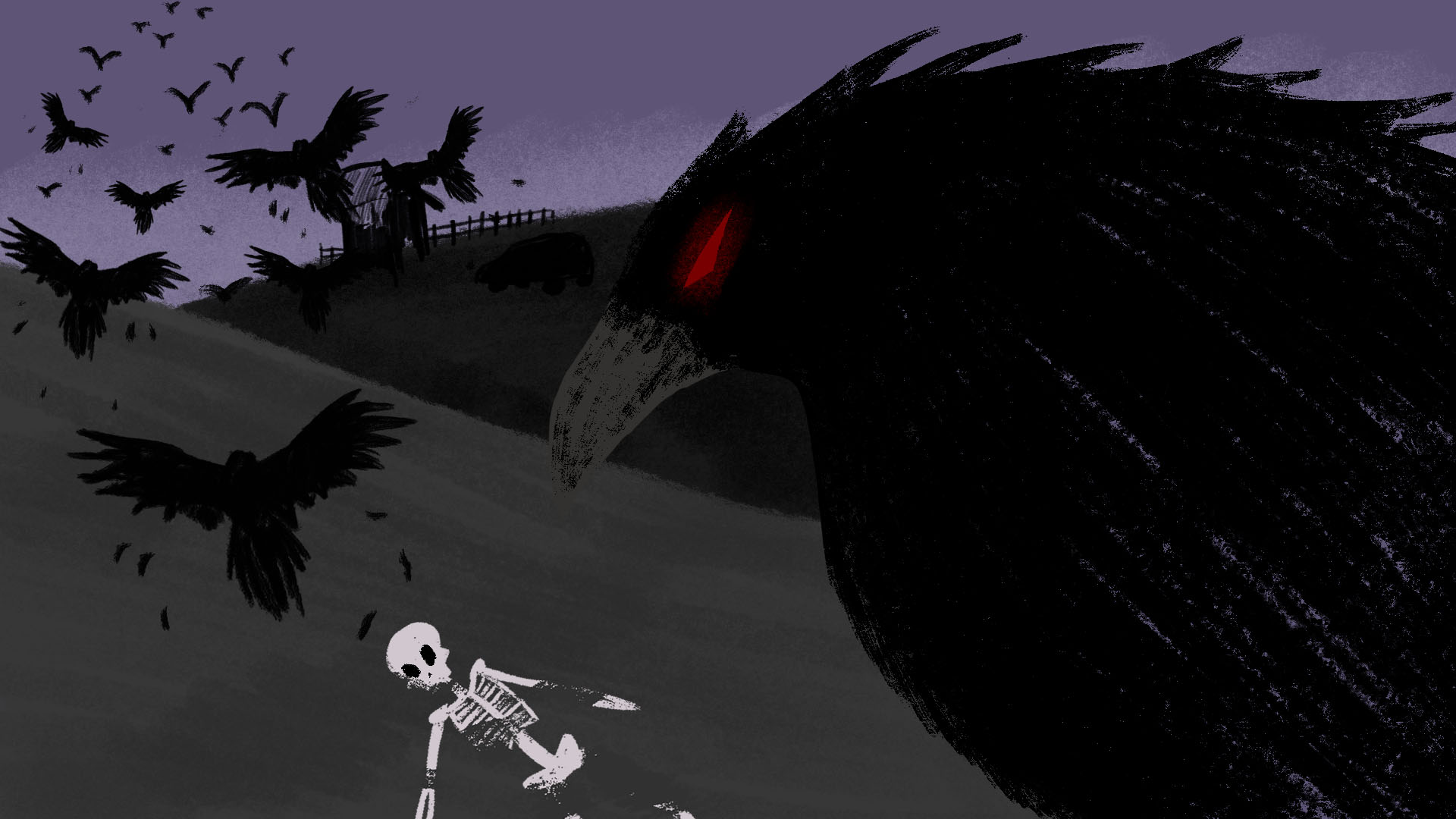
PROJECT 2: Create a series of 2, 3 or 4 images that are 1080x1920 pixels and 72dpi
(this is also under a preset when you create a new document WEB MOST COMMON)
-Series of images must contain a minimum of 30 layers
-Use selection tools (marquee, lassos, and wand) to extract photographic elements from their background
-Use layer masks to reveal only selected parts of a layer
PROJECT 1 and 2 should be posted to the blog by WED FEB 24th
SELECT AND MASK by TUTVID
https://www.youtube.com/watch?v=nk21_0Ozwq8
LAYER MASKS VIDEO PHOTOSHOP CAFE
https://www.youtube.com/watch?v=sbS5oUuGbGY
Inspiration
https://www.michaelwaraksa.com/
PREVIOUS CLASSES
If you missed class or lab last week they are now available on youtube
February 10th class
https://youtu.be/2107YiO70wc
February 10th class
https://youtu.be/2107YiO70wc
Monday, February 15, 2021
Friday, February 12, 2021
Thursday, February 11, 2021
Wednesday, February 10, 2021
Brandon Meeks Project 1
Tuesday, February 9, 2021
Monday, February 8, 2021
Youtube of Class 02/03/2021
Here is the link to todays class via youtube.
We are currently working on 4
digital paintings that are 1920 x 1080 at 72 DPI (you can find this
under file new > web > most common large). The paintings can be of
any subject and can be realistic or abstract. Have
fun with this assignment and remember to use all the brushes options and
make your own brushes. Please let me know if you have any questions.
The library was closed so I
was unable to leave the tablets. I am still figuring out the best way to
check them out for the semester. Standby.
Link to the blog rscccompartblogspot.com
I will go over posting your assignments on the blog during class on the 10th.
Subscribe to:
Posts (Atom)