Thursday, April 23, 2020

Project 4 Alien Skull Sketch

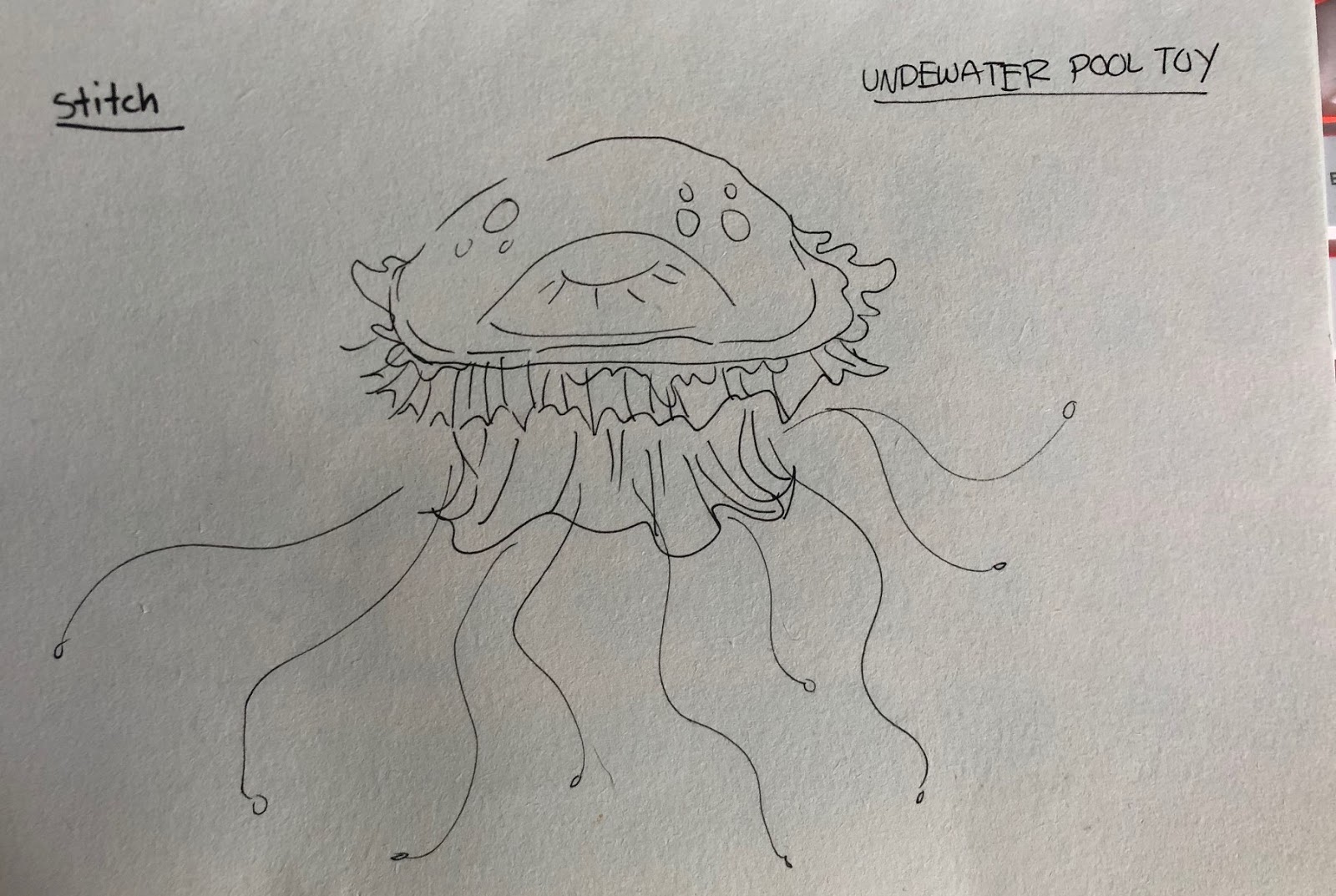
A front and side sketch of project 4 with color theory. Had to make another since the 1st one got rained on.

Thursday, April 16, 2020

Project 4 Toy (Alien Skull Model)


Heres my project 4 so far. Still coildnt get the picture directly from my laptop so i took pictures.

Monday, April 6, 2020

Creative Packaging Design

Once you have modeled your figure in Sculptris you will need to design the packaging for your toy.  Keep in mind packaging can be a tremendous selling point and is often the consumer first point of contact with a toy. With this in mind make sure that it is both functional and informative. Use any software you like to complete this project. I would sketch out your idea first and mock up the packaging with paper and scissors to get the scale and proportions.

Get inspired by these creative examples of packaging design
https://www.hongkiat.com/blog/creative-toy-packaging/

Download free packaging design templates here (feel free to modify and alter for your design)
VECTEEZY PACKAGING TEMPLATES

Please email me with any questions about the project.

Have fun with this and be creative!


Saturday, April 4, 2020

Sculptris owl

So i tried to make an owl in sculptris. Sorry its not painted or anything. It kept crashing and i kept having problems with it so i gave up on it.

Having trouble posting sculptris from my laptop

So i tried posting what i made with sculptris and when i export it it keeps saying server failed. Does anyone know why its not working?

Thursday, April 2, 2020

Toy Design Project

TOY DESIGN PROJECT

This will be our final project for the semester and utilizes all of the tools and programs we have used this semester.  Below are the steps you should take to complete this project. Look at other toy designs for inspiration.

Step 1 - Sketch out and brain storm  ideas. This toy could be based off one of your favorite movies, childhood toys, sci fi, fantasy, superhero, dolls, vinyl toy culture, and designer toys. Be creative and have fun. This is the time to brainstorm and put it all out on paper. You will refine and perfect your idea later. Consider color, size, who is the intended audience that this toy would appeal to and what is the overall concept of the toy?


Step 2 - Refine your sketch and begin modeling your toy in Sculptris. Use the tutorials on the previous post to give you all the tools you need to complete the model.

Step 3 - Use the paint feature to color and customize your toy.

Refer to the Sculptris manual and the youtube tutorial in the previous post to assist you. Here is a shortcut cheat sheet


When you are done you can take screen shots and upload them to the blog including your original concept sketches.

Example:


Monday, March 30, 2020

Sculptris Animal

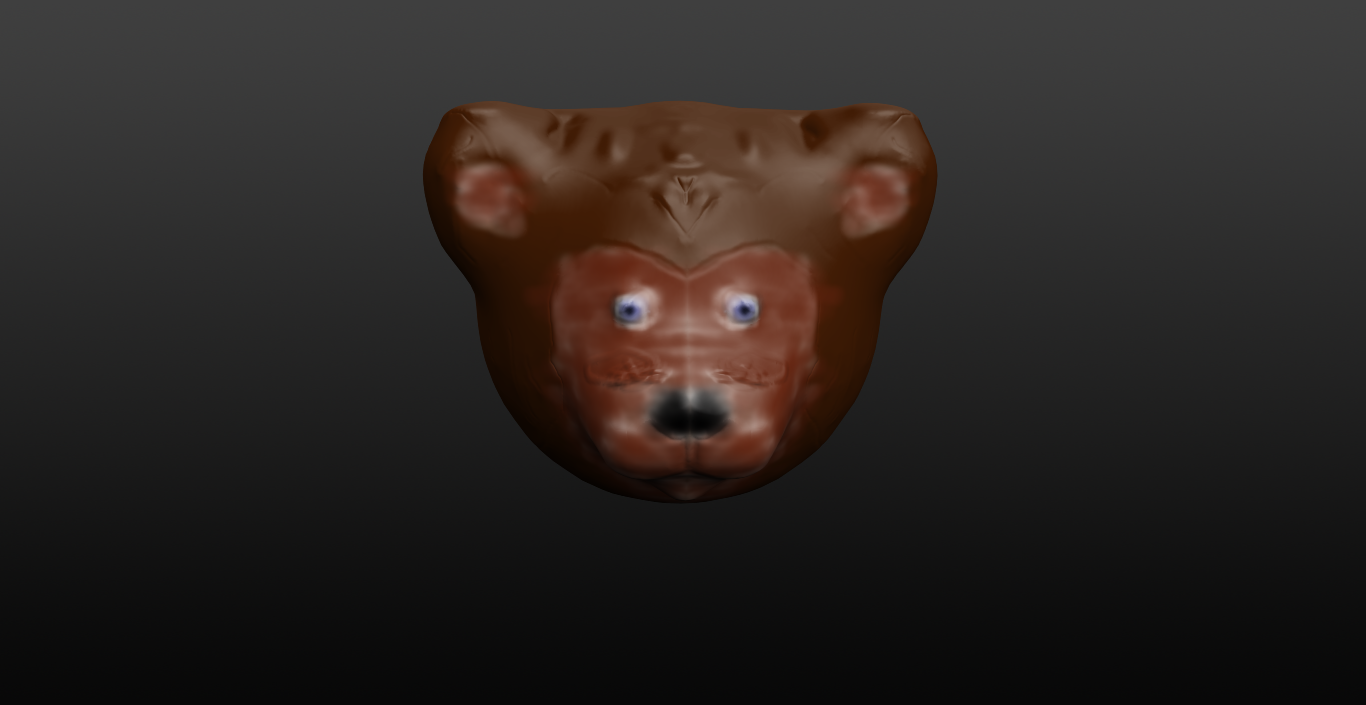
Here is my bear. Sorry, it took a while to post this, I got confused on how to save the object.
Here is my Roo Buck!! Bonnaroo is such a fun place I just had to make some currency for the farm!
Here is my pretty piggy :) it is kinda creepy but I love it !
My power is back on!

Monday, March 23, 2020

LEARNING SCULPTRIS

We will spend this week focusing on Sculptris a 3D modeling program. It is very intuitive and can quickly be learned with these great online tutorials on sculpting an animals

It is a free program and can be downloaded HERE»»»

Sculpting an animal (a sloth) in Sculptris Part 1

Sculpting an animal (a sloth) in Sculptris PART 2


Friday, March 6, 2020

PROJECT 2


My project 2 good evil. couldn't figure put how to get them side by side though.

Monday, March 2, 2020

DIPTYCH GOOD AND EVIL

Please have Project 2 completed and posted on the blog before class on Monday March 16th for critique.

Pen Tool Video

Please watch and follow along with the following video. This video will explain how the bezier pen tool works in Adobe Illustrator. CLICK HERE


Project 2